See all upcoming festivals for your D2C campaigns
Plan creative drops, offer windows, influencer pushes, and retention nudges around the moments your customers already care about.
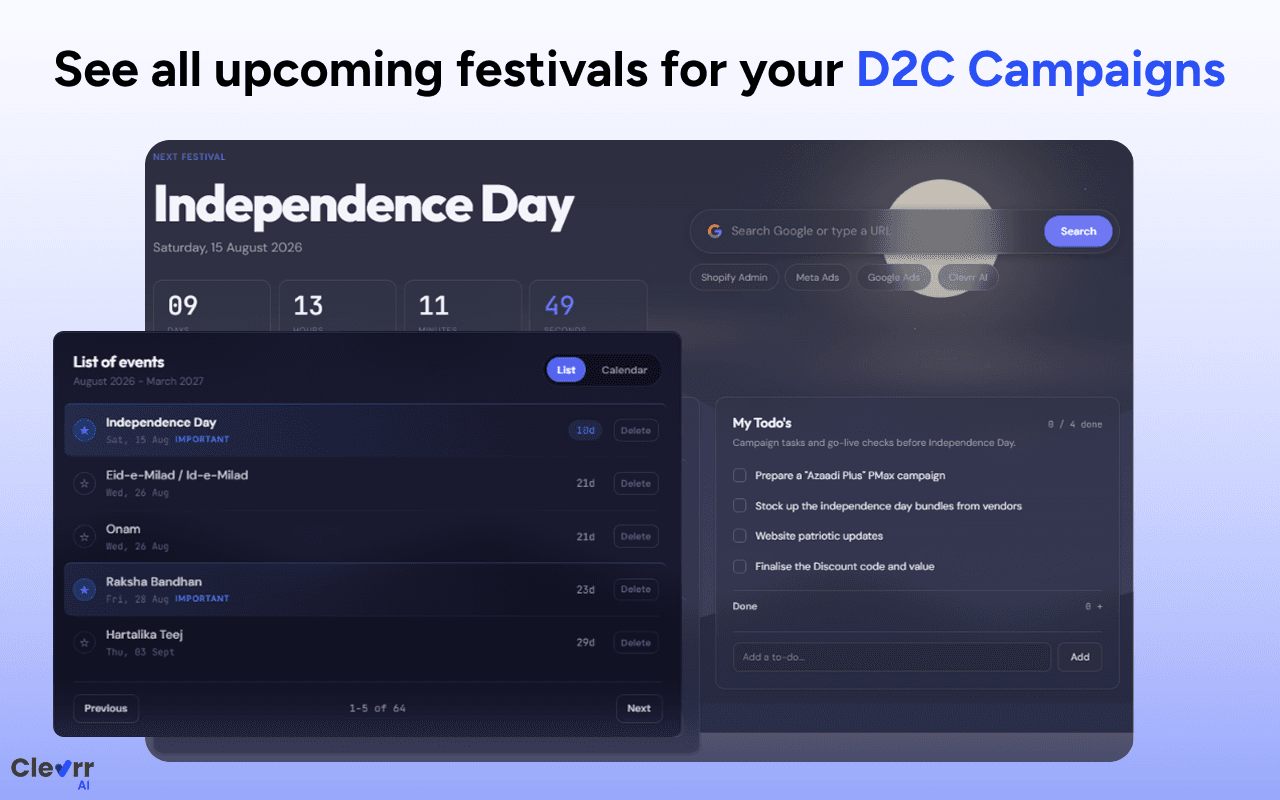
The D2C Festival Extension helps founders and growth teams plan FY26-27 festival campaigns, track todos, flag important moments, and stay ready before the season rush begins.
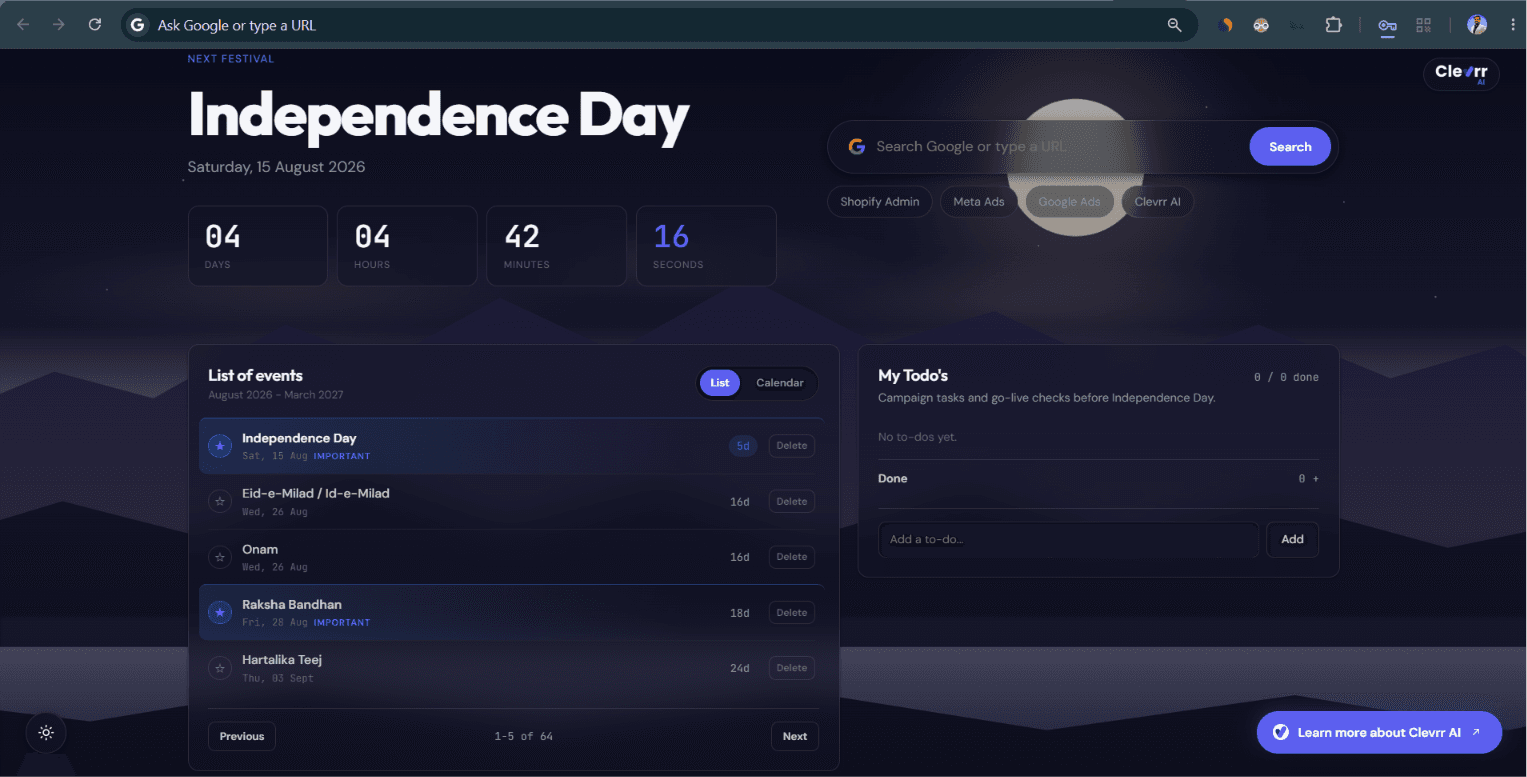
Festival marketing system
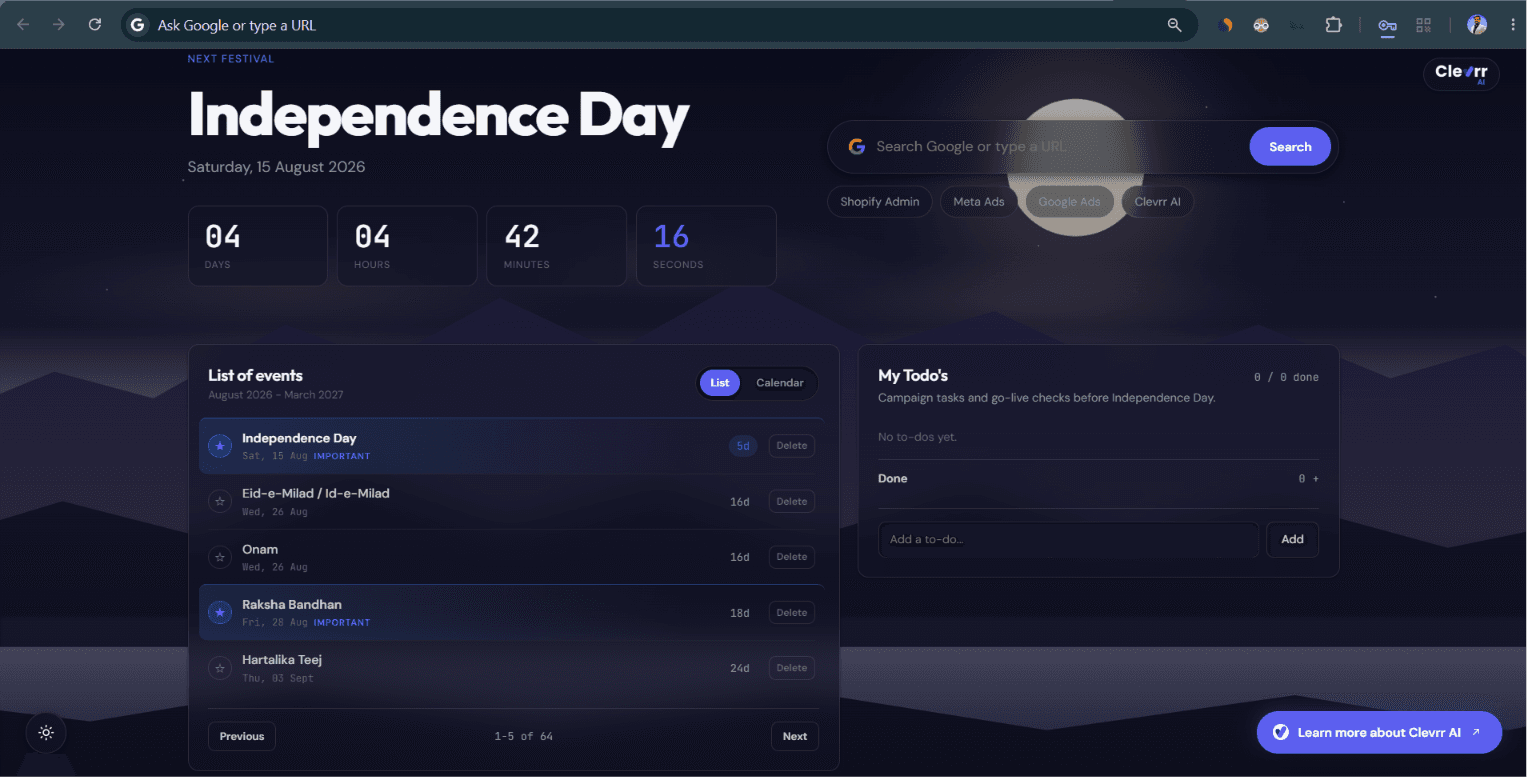
Keep festival dates, execution todos, campaign priorities, and planning context in the place your team opens all day: the Chrome new tab.
Plan creative drops, offer windows, influencer pushes, and retention nudges around the moments your customers already care about.
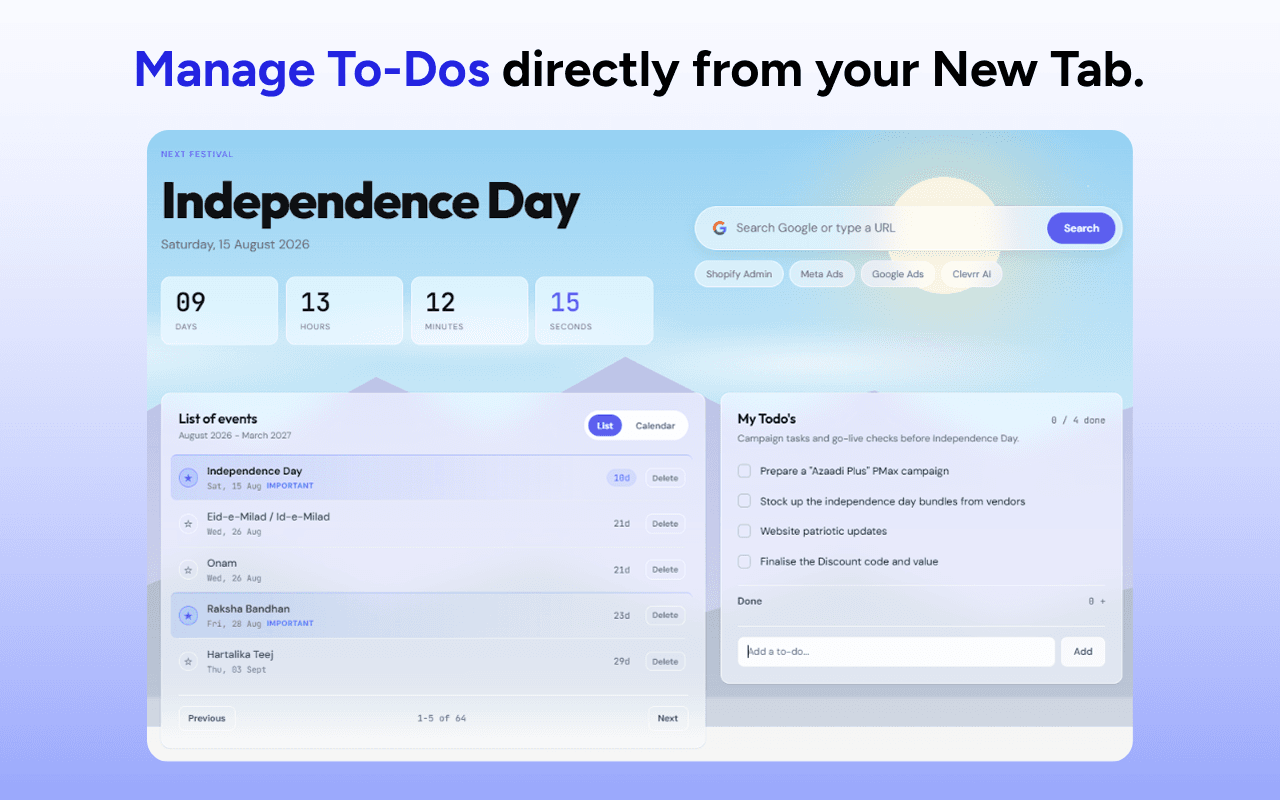
Turn every new tab into a lightweight campaign command center with the next actions your team needs to ship.
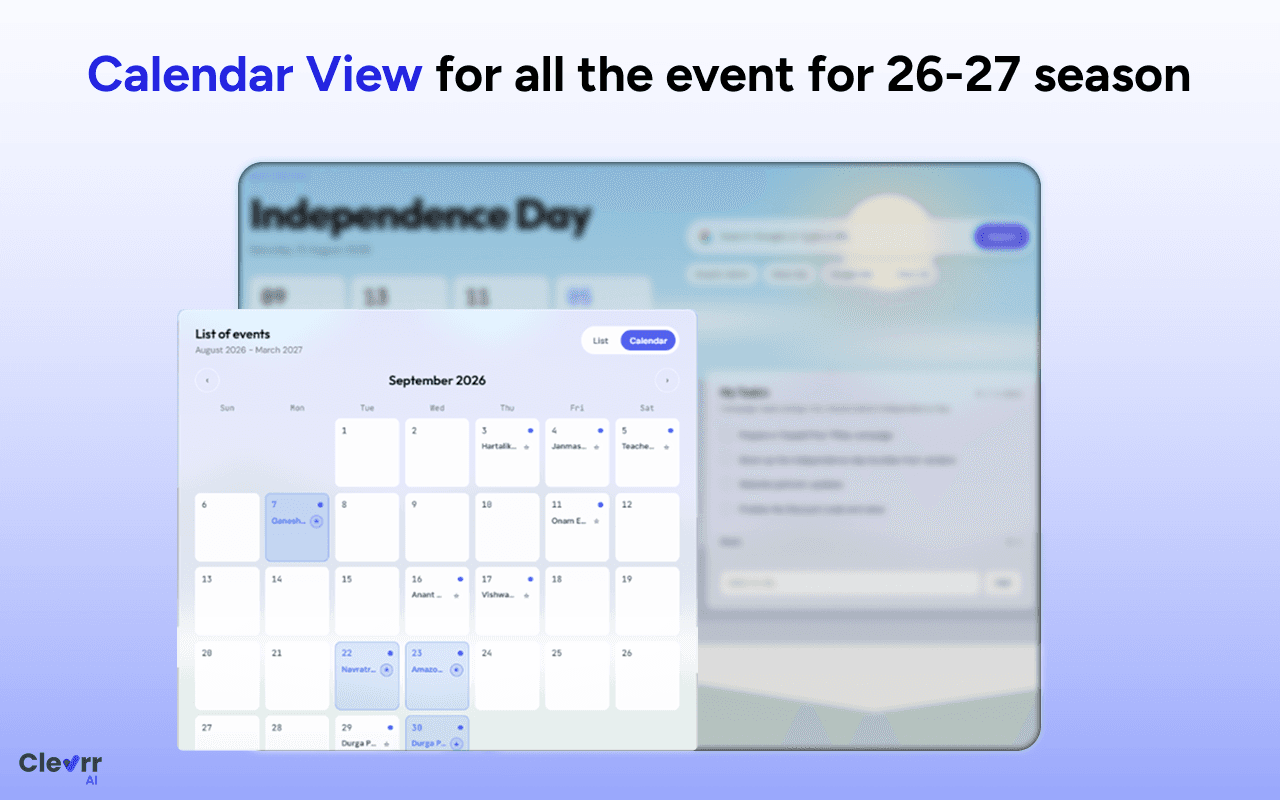
Move from scattered dates to a full-season planning view built for D2C marketing calendars and launch planning.
Flag the highest-impact moments so your team knows exactly which festivals deserve deeper offers, budgets, and prep time.
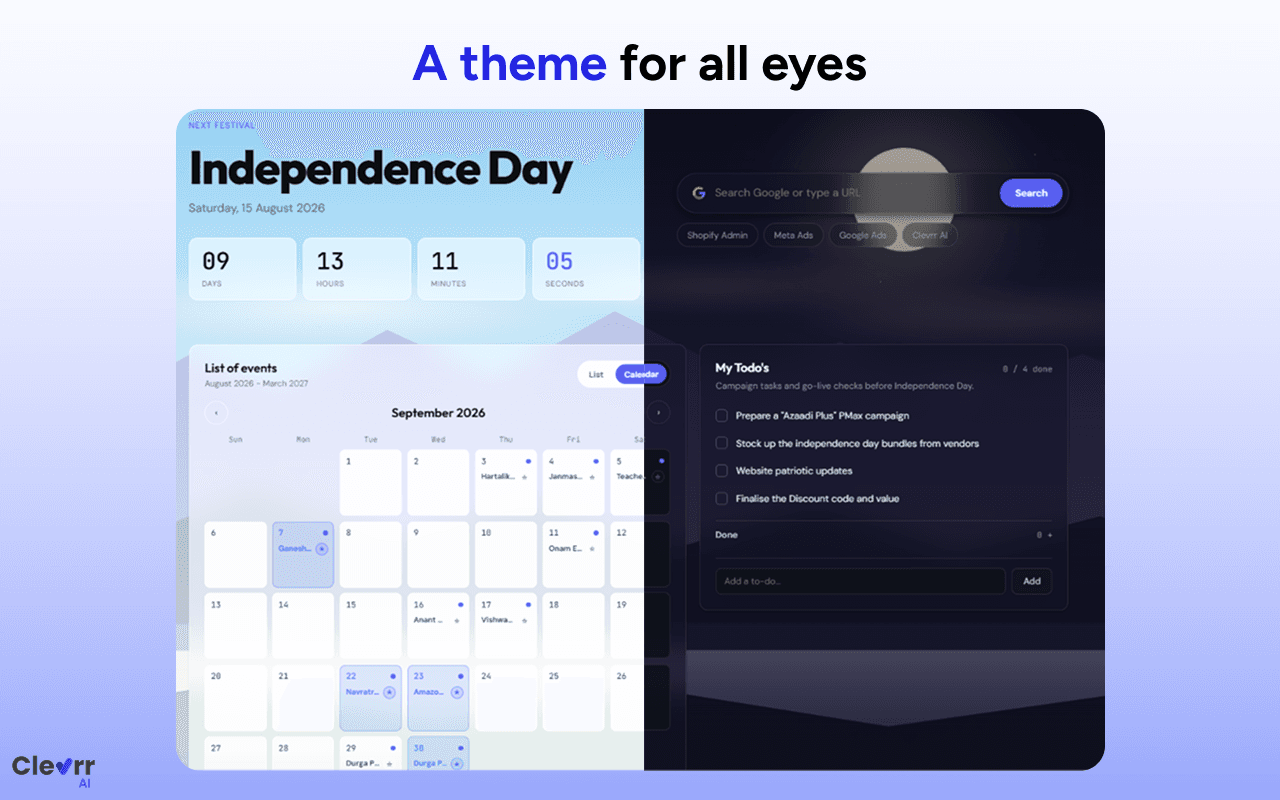
Switch between light and dark modes so campaign planning feels comfortable during every planning sprint.
Install in minutes
No zip files, no developer mode, no manual setup. Chrome handles the install, and your festival planner is ready the next time you open a new tab.
Get it on Chrome Web StoreUse any Add to Chrome button on this page to open the official Chrome Web Store listing.
Review the extension listing from Google Chrome Web Store and confirm it is the D2C Festival Extension.
Click Add to Chrome, approve the browser prompt, and let Chrome install the extension automatically.
Open a new tab, choose your preferences, and start planning your D2C festival campaigns.
D2C growth calendar
Install the D2C Festival Extension today and keep your upcoming campaigns, todos, important events, and seasonal planning visible every time your team opens Chrome.
Add to Chrome for freeFAQs
It is a Chrome extension by Clevrr AI that turns your new tab into a D2C festival planning workspace with campaign dates, todos, calendar views, and important event markers.
No. The extension is approved on the Chrome Web Store, so you can install it directly from the official listing.
It is built for D2C founders, growth marketers, performance marketers, ecommerce operators, and brand teams planning campaigns around Indian festivals and seasonal moments.